

Guided review capture
Make leaving a review the easy part.
One scan opens the conversation. Customers speak or tap, check their draft and post it from their own account.
See it from your customer's side.
Try the phone below. This example uses a fictional cafe and does not publish a review.
A small invitation, right where the visit ends.
Create a QR code for each location and put it on a table, counter or receipt. Every customer gets the same invitation, without handing over a phone number or downloading an app.
Read the Google review collection checklist →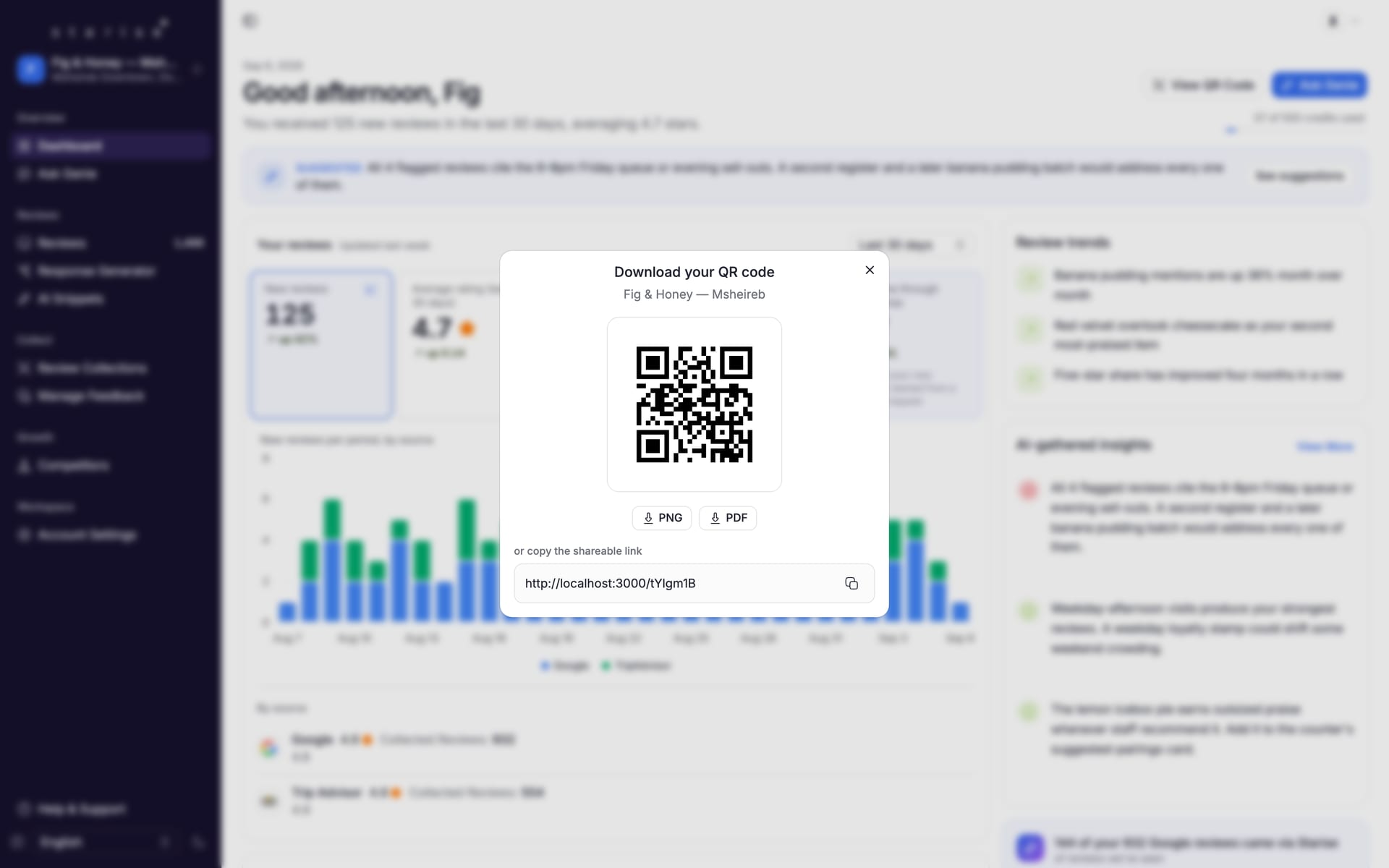
- 01
Give them a starting point
Talking or answering a few prompts is easier than facing a blank review box.
- 02
Leave the last word to them
The customer can edit the draft, choose a platform or leave without posting.
- 03
See what was collected
Follow feedback from your locations in the same place you manage your reviews.
FAQs
No. The flow opens in the browser immediately after scanning or opening a link.
Most customers finish in under a minute.
No. Customers review the draft, can edit it, and choose whether to post.
Where the visit naturally ends: checkout, reception, receipt/invoice, table card, or exit signage.
Put better feedback to work.
Give your customers an easier way to leave a review. Start your free trial, or book a demo to see Starise in action.