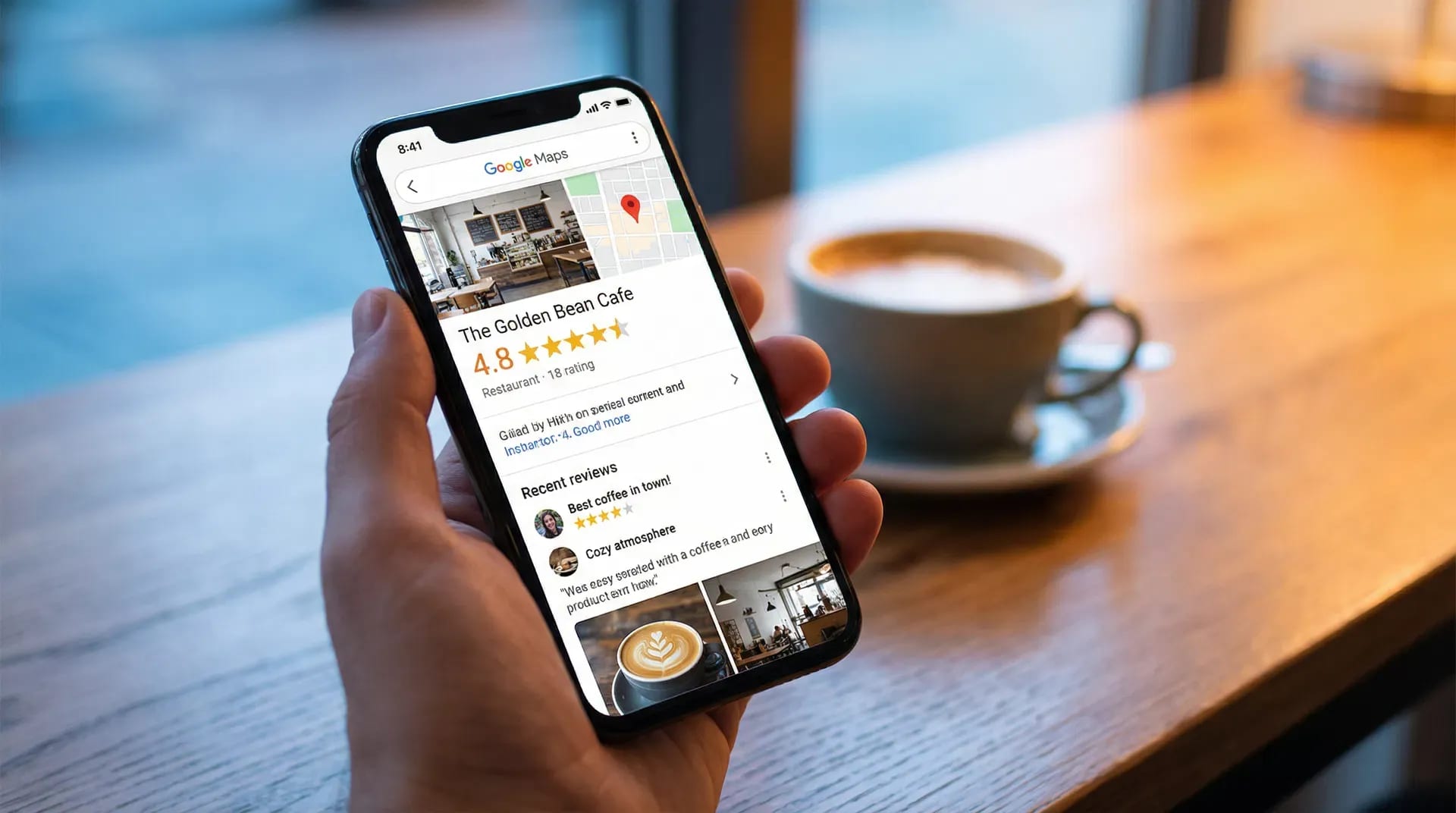

A useful restaurant review request tells diners where they can share an honest experience and makes it comfortable to decline. Give the same opportunity regardless of the feedback they have already shared.
Avoid rewards, requests for a particular rating and selecting only positive experiences. Google’s review policy explains why those approaches are inappropriate.
Seven scripts your team can adapt
These are suggested scripts, not measured conversion claims. Use the wording that fits your service style.
1. At checkout
“You’re welcome to share an honest review of your visit. There’s a QR code on the receipt if you’d like to.”
Hand over the receipt normally and continue with service. The customer does not need to respond to the invitation.
2. On a table card
“How was your visit? Scan to share an honest review. It’s completely optional.”
A small card can make the invitation available without a verbal request at every table. Keep it distinct from the menu or payment code.
3. At the takeaway counter
“Thanks for stopping by. There’s a review link on your receipt for whenever you’ve had a chance to enjoy your order.”
For takeaway, the full food experience happens after collection. Leave room for that timing.
4. For a regular customer
“We welcome feedback on each visit. The review link is on your receipt if there’s anything you’d like to share.”
Do not turn familiarity into an obligation or ask someone to use extra accounts to add reviews.
5. When a diner asks how to support the restaurant
“An honest review is one way to share your experience with other diners. The link is here if you’d like it.”
This responds to their question. It should not become the only situation in which reviews are invited.
6. After a concern has been raised
“Thank you for telling us. We’ll follow up on the issue directly. You’re also welcome to share your experience using the review link on the receipt.”
Handle the concern without making help conditional on posting, changing or removing a review. For public replies, draft and review a response that addresses only details you can substantiate.
7. On a digital receipt
“How was your visit? Share an honest review using this link. Reviewing is optional.”
Use a channel the customer has chosen to receive. If adding a separate follow-up message, check the permissions and rules for that channel first.
Make the invitation easy to find
Test the QR code from a seated position and under evening lighting. Distinguish it from codes for menus, loyalty programs and payment. Put the location name beside it when branches could be confused.
The restaurant example shows a guided flow. A café or bakery may need a counter or takeaway placement instead.
Brief the team around the process
Explain where the link goes, how to answer a question about it and how to accept a refusal. Check broken links and missing cards rather than assigning review quotas.
For the broader setup, follow the Google review collection guide. Keep any discussion of the star rating separate from the wording used to invite customers.
FAQs
Should staff wait while a diner completes the review?
No. Give people privacy and space to decide whether to continue.
Is “leave us five stars” suitable wording?
Use a neutral request for an honest account instead. The customer chooses their rating and content.
Should we read the room?
Yes for practical timing: someone resolving a bill or rushing to leave may not want a conversation. That should not become a policy of offering the link only to diners who seemed happy.