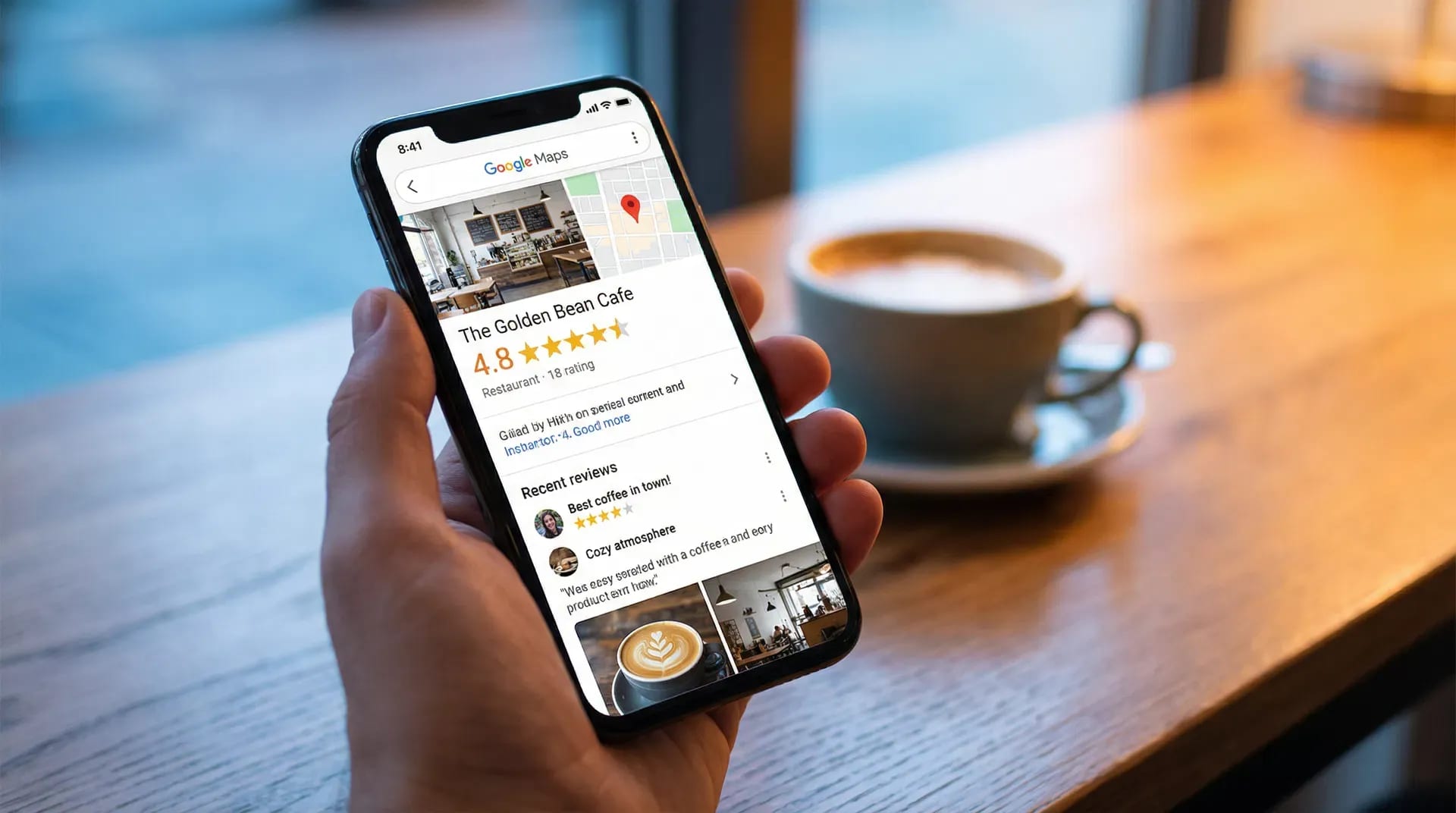

Offer guests a clear, optional way to review their stay after they have experienced it. A checkout invitation is one practical option; a guest catching a flight may prefer to use a link later.
This guide describes a workflow to test at your property. It does not assume that one moment or channel converts best for every hotel.
Put the right property behind the link
Confirm the destination for each hotel and label the printed invitation with its property name. Test codes on reception cards and key-card sleeves before a full print run.
For Google, use the official review-link and QR instructions. If you also invite reviews on another platform, check that platform’s current requirements rather than assuming they are identical.
The Starise hotel example shows how a guided guest flow can fit at reception. Keep any invitation visually distinct from payment, Wi-Fi or check-in instructions.
Use a short checkout invitation
“Thank you for staying with us. You’re welcome to share an honest review using the code on this card, whenever it’s convenient.”
Offer the same opportunity across genuine stays, including where a guest raised an issue. Do not attach a reward to the review or pressure someone to finish at the desk. Google’s contribution policy addresses those restrictions.
A rushed guest can take the card and leave. Reception should be able to answer where the code goes without watching or steering what the guest writes.
Keep service recovery separate
If a guest reports a problem, investigate and respond through your normal service process. Do not make assistance depend on a review being posted, edited or removed.
For a public response, check the facts and avoid publishing room numbers, booking details or private correspondence. Response drafting tools can provide a starting point, but the hotel team should review every detail.
Make the process consistent across shifts
Give each shift a short handover note covering:
- Where the current cards are kept.
- Which property each code opens.
- The optional wording used at checkout.
- Who replaces damaged cards or investigates a broken link.
- Who reviews incoming feedback and follows up on operational issues.
Manage these process checks instead of requiring staff to collect a number of reviews. For a group, repeat the link test at every property rather than assuming one successful scan covers all locations.
Decide whether a follow-up message is appropriate
A link included in an existing guest communication may be convenient. Check the permissions for your messaging channel before adding a separate email or SMS request.
Avoid repeated reminders after someone declines or does not respond. If guests say a channel or timing is inconvenient, record that feedback and adjust the process.
Review the results with context
Track published reviews separately from scans or link opens. Record occupancy, closure periods and changes in placement when comparing dates. The review recency guide offers a simple way to spot gaps.
Read comments for recurring themes such as arrival information, breakfast or noise. A survey flow can help collect detail, while the guest remains responsible for the words they choose to publish.
FAQs
Should we ask at check-in?
A guest has not yet experienced the full stay. Use check-in to explain practical services; choose a later moment for a stay-wide review invitation.
Is checkout always the best moment?
No. It is a practical place to offer the option, but travel plans and service patterns differ. Test the placement and listen to guest feedback.
Can we use the same setup across properties?
The process can be shared, but the codes, location details and responsible team members need checking per property. Compare available plans if you need multi-location software.