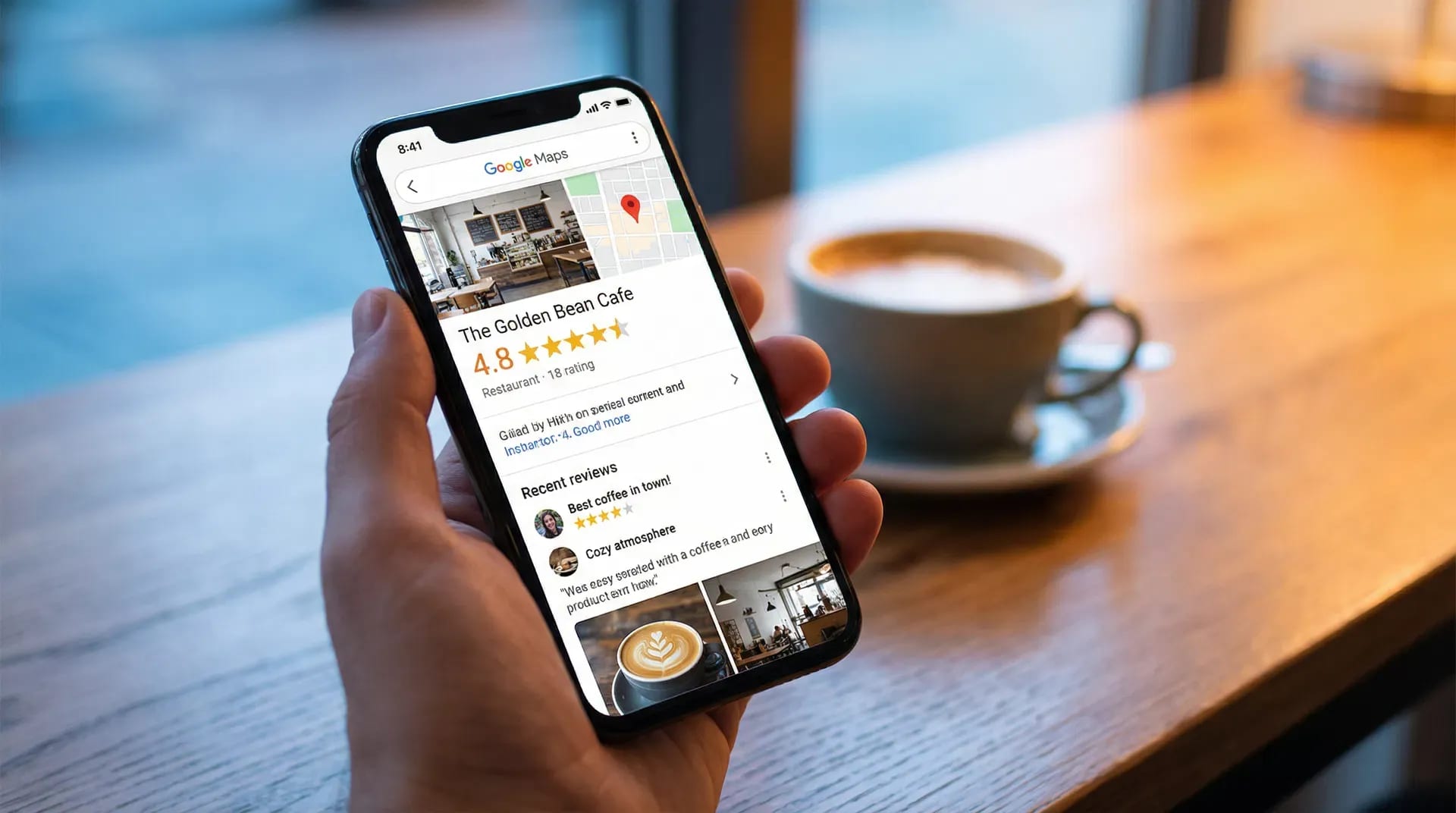

Make it easy for customers to find the correct review page, offer an honest invitation consistently, and leave the decision to post with them. This guide covers the collection process; use the separate rating guide to understand the numerical average.
Choose a review destination
Start with the correct Google Business Profile for each location. Google provides a review link and QR-code option, and customers need a Google Account to leave a Google review. See Google’s setup instructions.
Test the destination yourself. Businesses with similar names or several branches should pay particular attention to the address shown after opening the link.
You can use a direct link on its own or evaluate a guided review-capture flow. Choose based on the experience you want to offer and how your team will maintain it.
Choose an appropriate place for the invitation
Make the invitation available where the service naturally ends:
- A receipt or table card at a restaurant.
- Reception or a key-card sleeve at a hotel.
- A counter card at a café or bakery.
- An exit or reception point after an appointment or class.
Try one placement first. Check whether it is visible, whether customers have space to use their phones, and whether it obstructs payment or another task. Our industry pages show examples for different settings.
Give staff a neutral sentence
A simple example is: “You’re welcome to share an honest review of your visit. The QR code is here if you’d like to.”
Make the invitation available regardless of whether the customer expressed praise or a concern. Do not ask for a specific score, offer a reward or make staff obtain a review quota. Google’s contribution policy sets out those restrictions.
For situation-specific wording, use the restaurant scripts or the hotel checkout guide.
Test the whole journey on a phone
Before printing a larger batch of cards:
- Scan the code in the lighting where it will be used.
- Check the business and location details.
- Follow the flow through to the destination platform.
- Check what happens if the customer is not signed in.
- Confirm that declining, editing and leaving remain straightforward.
A generated draft should be checked by the customer. Do not submit a test review that describes an experience you did not have.
If you are considering Starise, try the customer demo before comparing the features and plans. The demo illustrates the experience without publishing a review.
Monitor published reviews separately from scans
A scan is not a posted review. Someone may open the flow, read it, save it for later or decide not to continue.
Keep separate records of available interaction metrics and reviews actually published on the destination platform. Check the reporting definitions before interpreting a “conversion” figure. Changes in customer volume, operating hours or placement can affect comparisons.
Use review recency to notice gaps and review the comments for operational issues. More invitations cannot substitute for improving the experience customers describe.
FAQs
Can we ask in person?
Offer a brief, optional invitation without standing over the customer or requiring them to complete it before leaving.
Do we need a paid tool?
No. A direct Google review link can be enough for a simple setup. A tool may help with guided feedback, multiple locations or organizing responses. Compare the workflows before choosing.
Should a complaint change who receives the link?
No. Resolve concerns independently and keep the same opportunity for an honest public review.